QWeb: Reliable Web Automation 
Why QWeb?
Traditional web automation often relies on brittle XPath or CSS selectors that break whenever the application layout changes. QWeb takes a different approach:
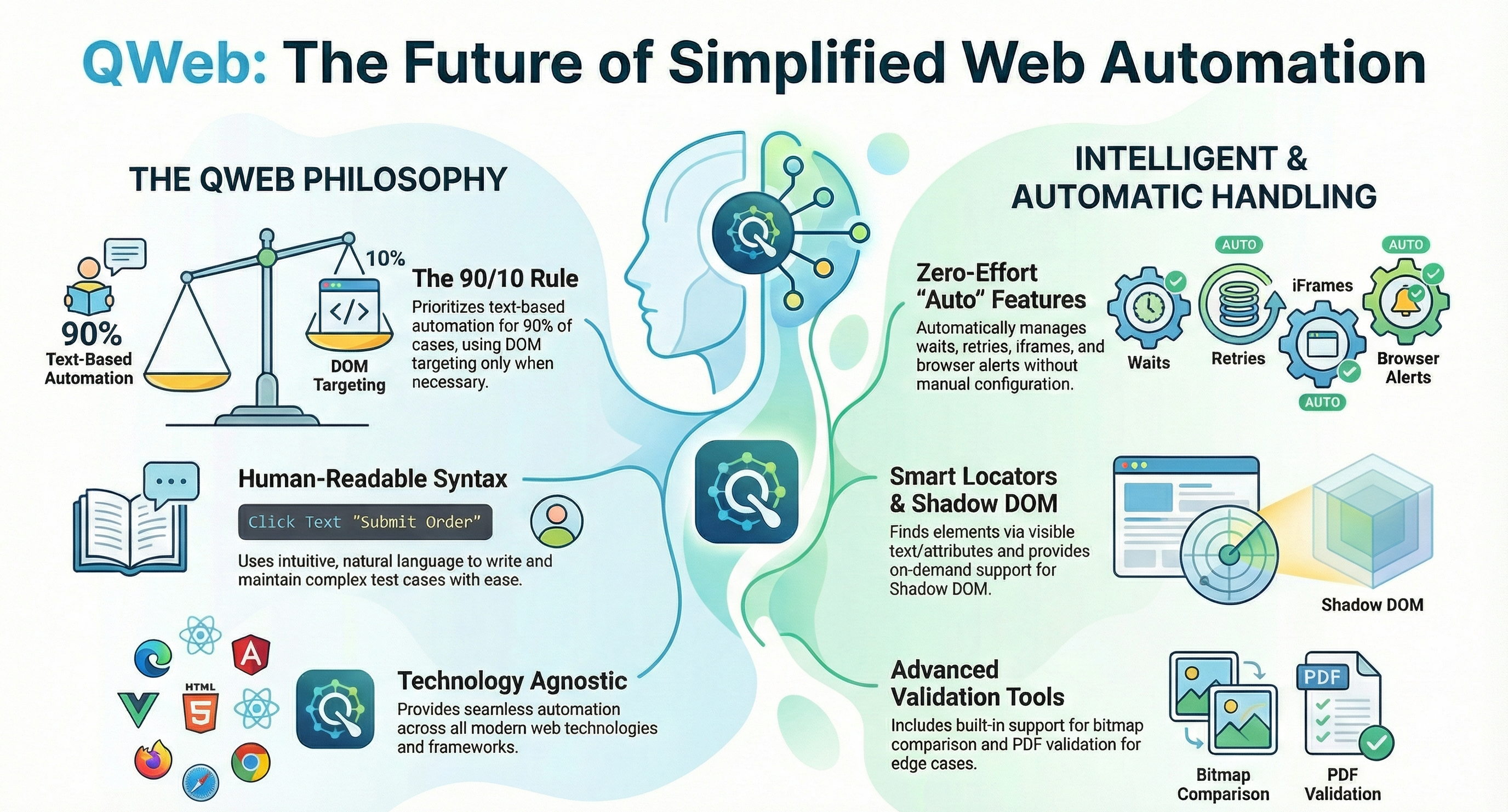
- Human-Readable Syntax: Write tests that read like sentences.
- Smart Locators: QWeb prioritizes finding elements by visible text or valid attributes (like tooltips or ARIA labels), falling back to DOM targeting only when necessary.
- Automatic Waits: Built-in retry logic in most keywords eliminates the need for flaky
Sleepcommands or explicit waits. - Automatic frame handling: automatically searches across all iframes without manual frame-switching.
- Shadow DOM Support: Easily locate and interact with elements buried inside Shadow Roots without complex Javascript injection.
Philosophy
QWeb is designed to give you the best of both worlds:
- Text-Based Automation (80–90%): For the majority of interactions, you simply tell QWeb what text to click or verify.
- Precise Targeting (10–20%): For tricky elements without text, QWeb supports attributes, XPaths, and even image comparison.
Quick Example
Here is how a simple login test looks in QWeb. Note the lack of complex selectors:
*** Settings ***
Library    QWeb

*** Test Cases ***
User Can Log In
    Open Browser    https://example.com    chrome
    Type Text       Email       demo@example.com
    Type Text       Password    changeme
    Click Text      Sign in
    Verify Text     Dashboard
Getting Started
Ready to start automating?
- Check the Installation Guide to set up your environment.
- Learn about Locator Strategies to write robust tests.
- Explore Anchors for advanced spatial searches and configuration.